

 Work with AI
 Ask for a file. Get the file.
A real PowerPoint, spreadsheet or document you can open and edit online — no Office needed.
- PowerPoint decks
- Spreadsheets
- Videos & music
Say what you need. Here is what comes back.
Every example below was made from one sentence.
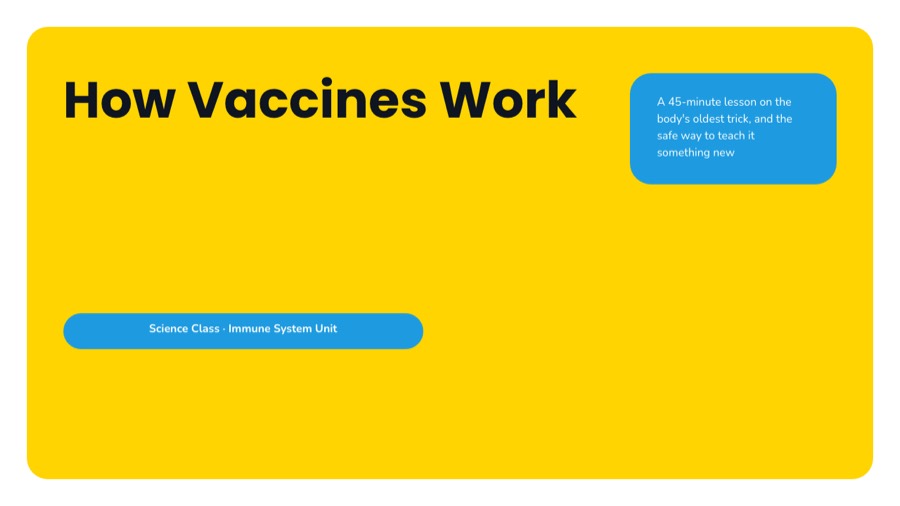

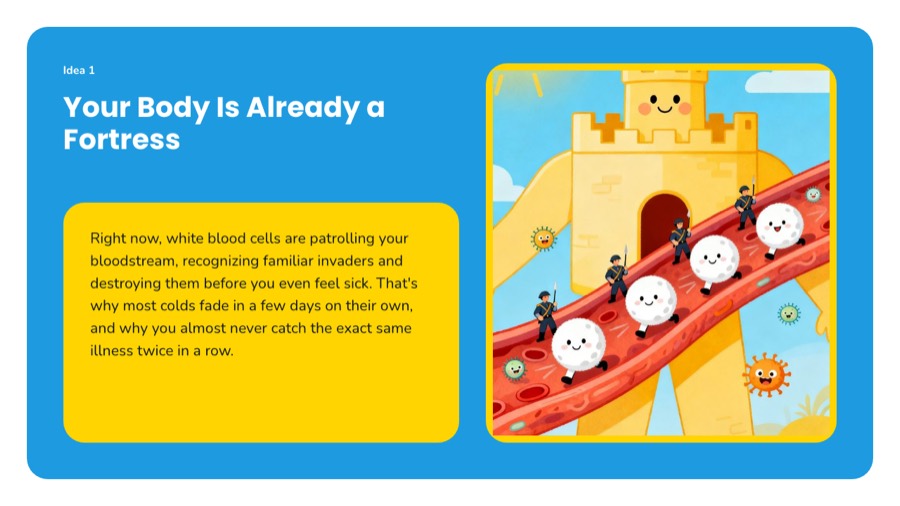
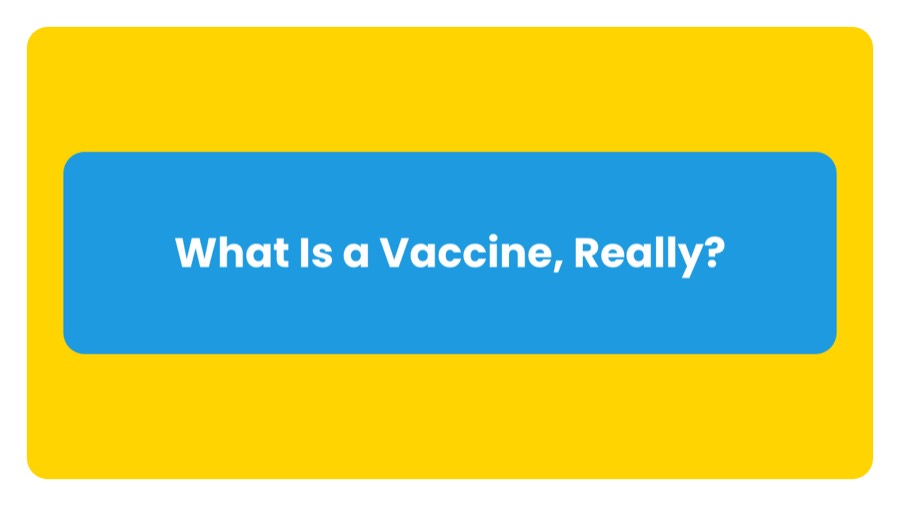
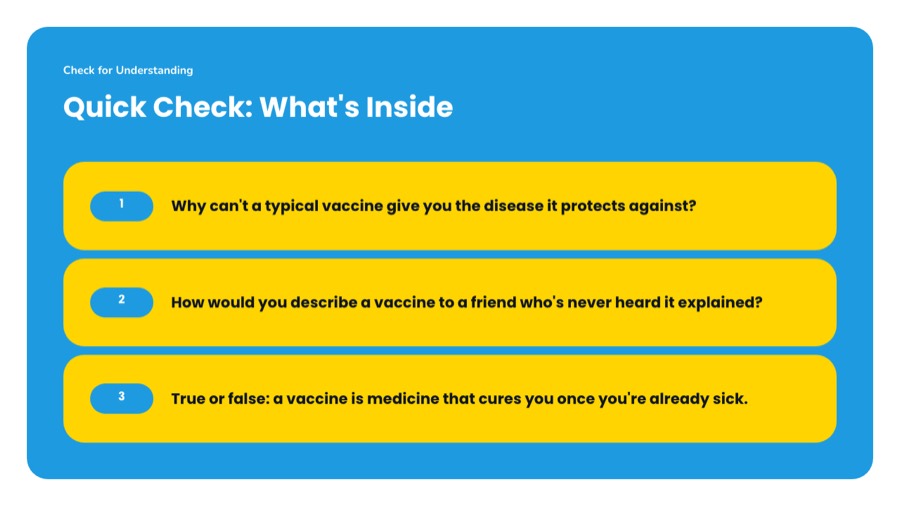
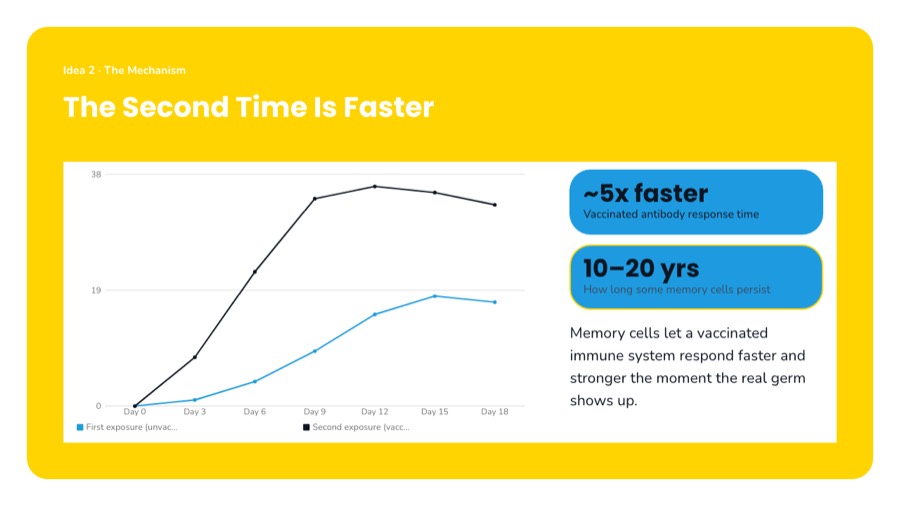
| A | B | C | D | E | F | |
|---|---|---|---|---|---|---|
| 1 | Student | Quiz 1 | Quiz 2 | Project | Average | Result |
| 2 | Aisyah R. | 78 | 84 | 90 | 85.5 | Pass |
| 3 | Ben Tan | 42 | 55 | 48 | 48.3 | Fail |
| 4 | Chloe Lim | 91 | 88 | 95 | 92.3 | Pass |
| 5 | Dev Kumar | 67 | 71 | 60 | 64.5 | Pass |
| 6 | Class average | 69.5 | 74.5 | 73.3 | 72.6 |
Hover a shaded cell to see its formula.

Files you can actually use.
No Office needed
Open it in PowerPoint, Excel or Word if you have them. If not, edit it here.
Real files, not screenshots
The spreadsheet has working formulas. The deck has editable slides.
Start from your own files
Hand it a PDF or a folder and ask for the deck, the summary, the quiz.
Nothing leaves the room
It works on its own computer with no internet connection while it does the job.
Work with AI is a chat box that returns files. You describe a job; the agent is given its own Linux machine in the cloud, writes and runs code on it, searches the web when it needs to, generates pictures, audio or video when the job calls for them, and leaves what it made in a folder the server collects at the end of the turn. What comes back is a spreadsheet, a slide deck, a document, a web page, an image, an audio file or a video — a file you can open, edit, download and share, not a block of chat text.
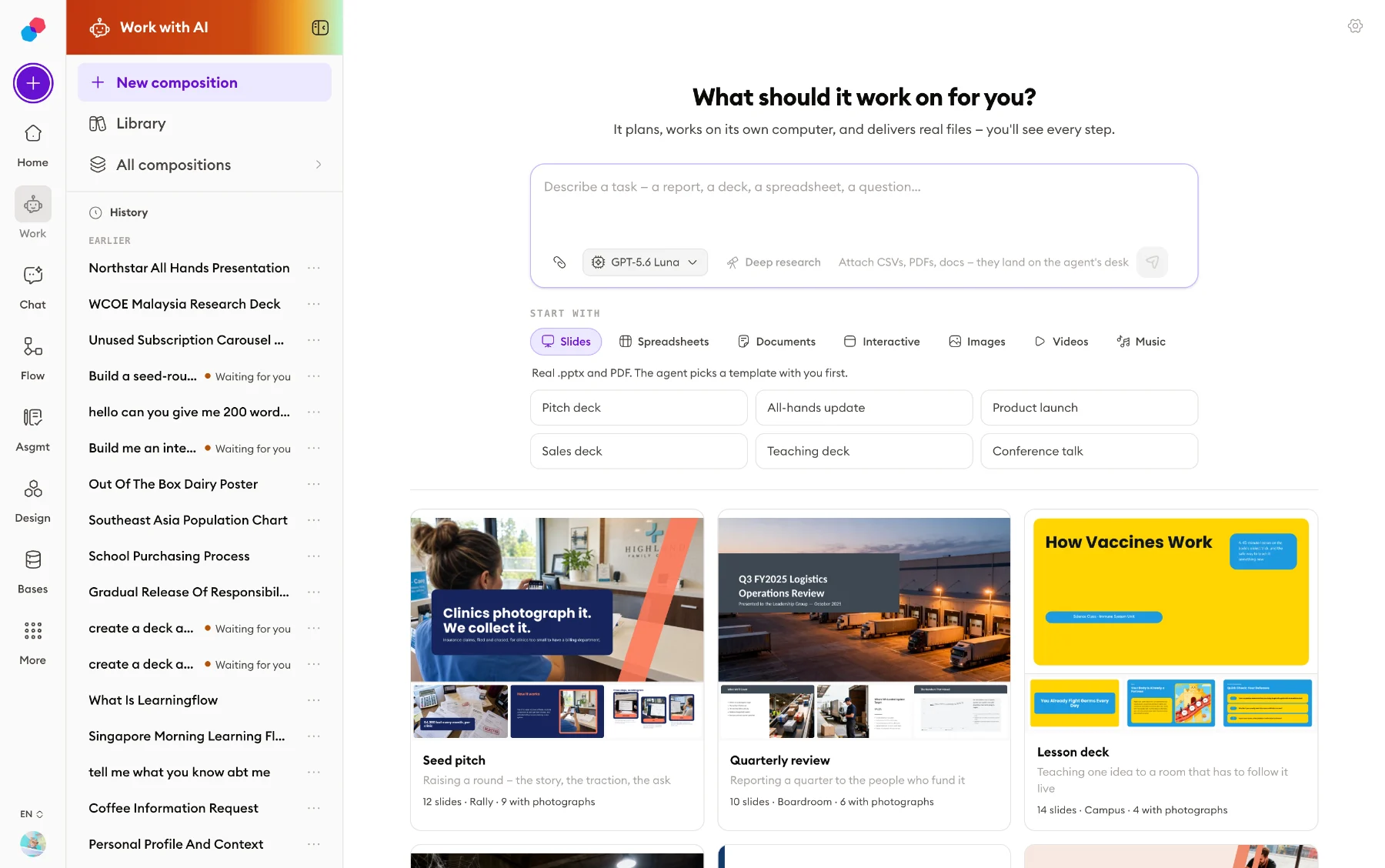 Start screen
 - 24Tools the agent can call
- 44File types you can upload
- 10Deck templates, 33 colourways
- 31Picture, video and audio models
- 7Language models a session can run
- 1,844Automated tests, across 132 files
What it looks like in use.
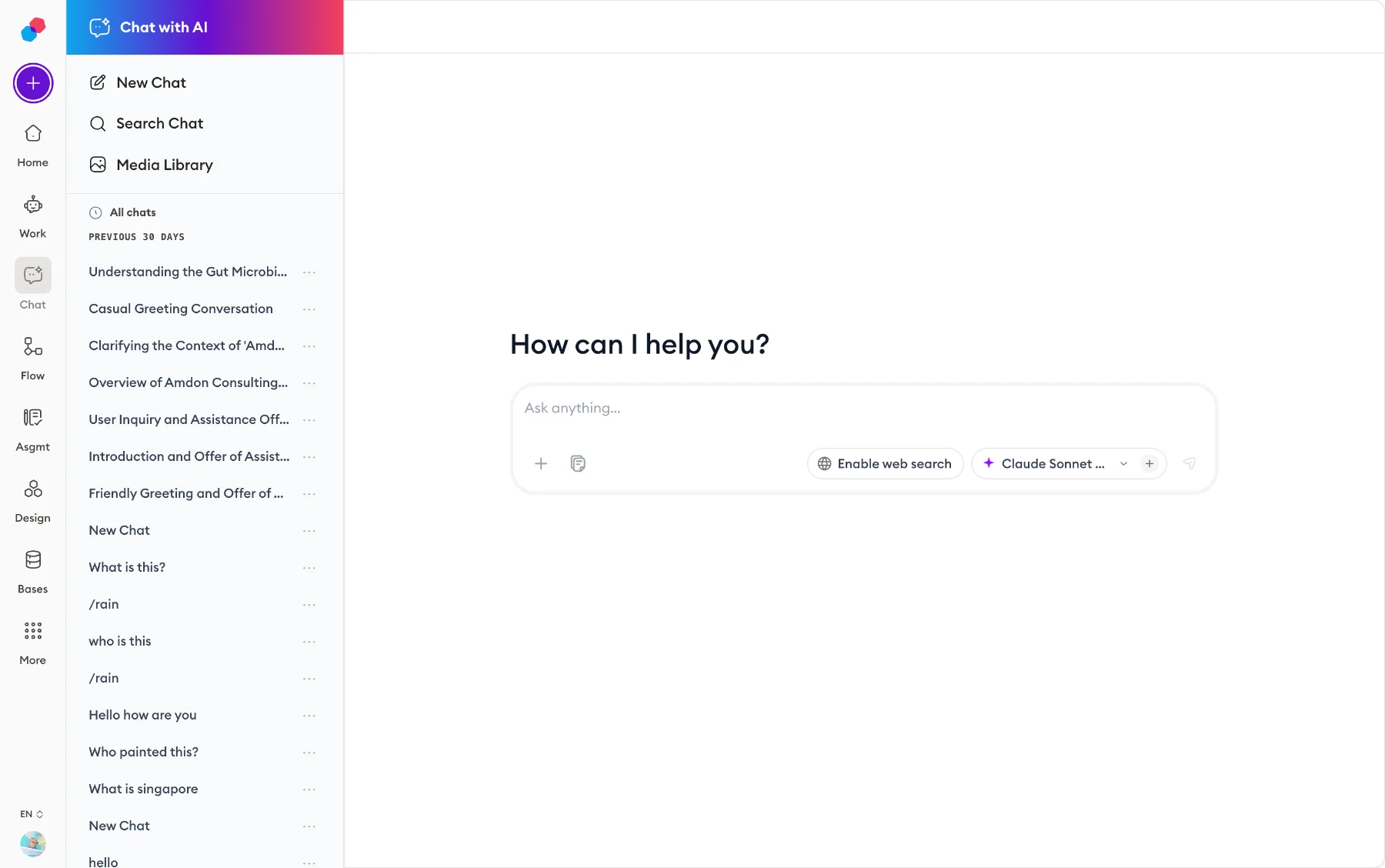 Chat and model picker
 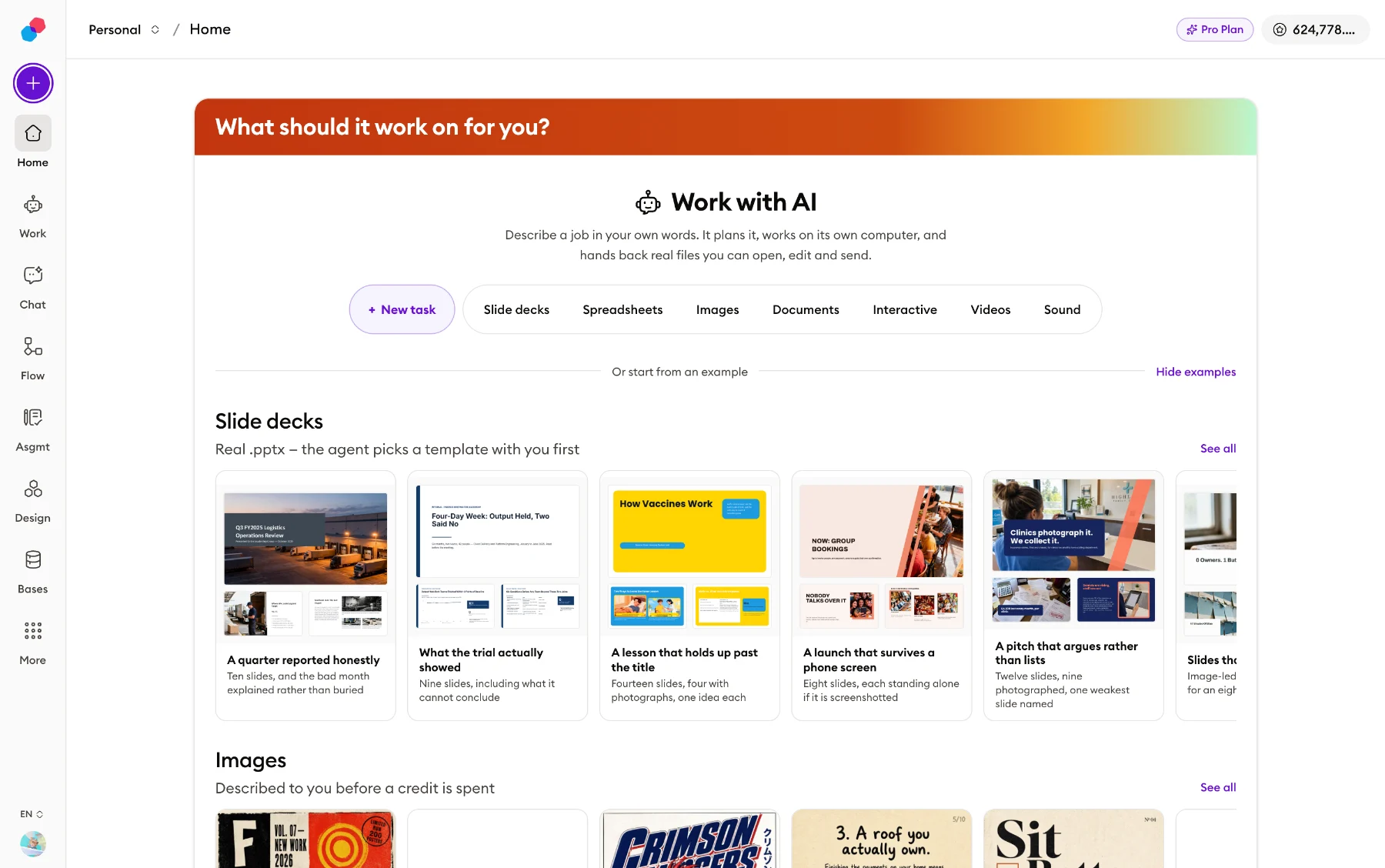 Dashboard home
 All of it, not the highlights.
What it hands back
Anything the agent leaves in its output/ folder is collected at the end of the turn and handed to you as a file.
- Real Excel workbooksBuilt with openpyxl or xlsxwriter: number formats, column widths and charts. Not a CSV with a spreadsheet name on it.
- Formulas are checked firstBefore delivery the server checks that a workbook full of formulas has real values baked in, and refuses it if not.
- Slide decks, and a PowerPoint of themDecks are built by a hosted tool. The export is a real .pptx — native shapes, editable text runs, clickable charts, nothing screenshotted.
- Documents with their picturesA report is markdown in a folder with its figures beside it, rendered as a page. Frontmatter picks from four page formats, four colour schemes and three fonts.
- Self-contained web pagesDashboards, calculators and diagrams come as one .html file with everything inline — the machine that built it has no network to load anything from.
- CSV, zip, and the restPlain .csv files and .zip archives. Any file left in output/ is delivered, and an extension nobody recognises gets the plain-text card.
- Fifteen kinds of file cardA delivered file is drawn on one of fifteen card types, and the card is what decides how the file previews.
- Raw materials stay insideCopy six photographs into a report's folder and the loose copies are recognised by their bytes and dropped. You get the report, not the report plus six images.
The computer it works on
When the agent needs to do something rather than say something, it is given a private Linux machine in the cloud and driven command by command.
- Its own machine, per sessionA fresh Linux container is created for the session — and only when the agent first touches a file or runs a command, not at the start of every turn.
- No internet, at allEgress is blocked outright rather than filtered by a list. pip install, curl and wget fail. Everything comes from disk, from you, or from tools running on our server.
- What is installedPython 3.12 with pandas, openpyxl, xlsxwriter, matplotlib, python-pptx and pymupdf; LibreOffice Calc, Writer and Impress; Pandoc; zip; headless Chromium.
- It can look at its own workChromium is there so the agent can render what it built at the right size, look at the picture, and fix the headline that overflowed.
- No keys are within reachThe agent itself runs on our server, never inside the container, so no model key or account token is reachable from the machine running the code.
- Four folders, one deliveredWork is organised into notes/, data/, scratch/ and output/. Only output/ is handed over.
- Losing the machine loses nothingIt stops itself after 15 idle minutes and is archived after a day. Object storage holds the files, and the workspace is rebuilt from it on demand.
- Commands are on a leashA command is cut off after 120 seconds and its output trimmed at 30,000 characters. A timeout comes back as an ordinary failure the agent can react to.
Slide decks, in detail
A deck is an object in the product, not a file the agent writes by hand; it holds up to 40 slides and 20 pictures.
- Ten templatesjournal, boardroom, briefing, seminar, showroom, atelier, storybook, poster, rally and campus — with 33 colourways between them, three or four each.
- Sixteen layouts everywhereSixteen core layouts every template must implement, so a deck can be restyled into another template without losing a slide. Seven of them are photograph layouts.
- Seventeen more on topThe ten templates declare 46 bespoke layouts of their own, 17 distinct: timelines, metrics, agendas, mosaics, key figures, big questions. Rally has eight.
- Pictures planned, not improvisedEach template carries a written brief on photographs — how many a deck of that length wants, which orientations, what subjects. Briefing asks for almost none, deliberately.
- The deck audits itselfFour counted rules, including whether the slides carry the photographs the template asked for, reported back while the agent can still act on them.
- Charts stay chartsA chart or table on a slide carries the real data, so in PowerPoint it arrives as something you can click into rather than a picture of a chart.
- Pick a look by seeing itTemplates can be shown as real sample slides rather than a list of names, drawn through the same path a generated deck takes — every template, every colourway.
- Edits survive a restyleChanging a deck edits the existing one, so there is one file with a history. A hand edit is stored against the element, so it replays if the deck is restyled.
What it can read — your files and the web
Two ways in: what you upload, and what it looks up. Both are wrapped and marked as somebody else's words before the model reads them.
- 44 file typesDocuments, images, video, audio, data, archives and code, in seven families. A file with no extension at all — LICENSE, Dockerfile — is accepted and served as text.
- PDFs, including scansReading a PDF returns its text and says whether the file is a scan. A scan is read properly with OCR, which runs on our server — there is none in the container.
- Measured before it costs anythingA dropped PDF is measured locally first — extractable characters per page, image sizes — to choose free import or paid OCR, with no model call.
- A scan comes back as a documentEvery figure is re-hosted into our own storage rather than left pointing at the OCR provider, and each one arrives with alt text and a longer description written for it.
- Office files are converted firstWord, PowerPoint and Excel attachments go through LibreOffice, Pandoc, openpyxl or pandas — they are zip archives, not text, and the agent is told so.
- It can actually see picturesReading an image hands the model a real picture, so the agent reads what is in a photograph or a screenshot instead of guessing from the filename.
- Search, narrowedOne call returns titles, links and a short summary of each page. A search can be narrowed by age — day, week, month, year — and to pdf, research or github.
- Deep research, when you switch it onA separate research agent with its own budget writes a cited report into output/. Three depths: quick (10 steps, 4 min), standard (20, 8), deep (32, 15).
Pictures, sound and video
31 generation models sit behind these tools: 9 for images, 15 for video, 5 for speech, 1 for music, 1 for sound effects.
- Original pictures, and referencesgenerate_image makes a picture from a description, and can build on pictures already in the session as references. Nine image models are on the menu.
- Three audio toolsgenerate_speech for narration, generate_music for songs with lyrics the agent writes, and generate_sound_effect.
- Four video toolsgenerate_video, transfer_motion — putting a photo's subject through a clip's movement — lip_sync, and extend_video.
- Keeping a look across clipsA video can start from a picture in the session, or move between a first and a last frame. A seed reuses a shot, so "the same but…" is a variation, not a fresh roll.
- Exclusions have their own fieldThese models read "no captions" inside a prompt as an instruction to include captions, so exclusions go in a separate field — and you are told if a model ignores it.
- Songs that will not fitAbout two singable words a second after an eight-second intro, so 146 words into 55 seconds is refused with the arithmetic, before anything is spent.
- The voice list is your account'sRead live, so voices you cloned appear. A single reading can override the setting by description — "a warm British man" is a valid voice.
- Ceilings, and no prices8 pictures and 3 videos a turn, so a loop cannot run up a bill. Model pickers never print a price; which option is the dear one is shown in dots.
Long jobs, stopping them, and what they cost
A turn is not a chat message that has to be watched.
- It runs as a background jobA turn runs on a separate worker process, not inside the web request, so a dropped connection does not kill it and a reconnecting browser replays from where it left off.
- It says when it is bootingProgress streams as it happens, and while the machine is starting the screen says so specifically rather than showing "thinking" for a wait that is a machine starting.
- A visible planThe agent keeps a plan; each item becomes a titled section of the transcript and every action files under the item in progress. Twelve kinds of event make up the record.
- It can stop and askThe agent can pause mid-task to ask you a question and resume a day later. A cancelled turn also stops the paid job behind it, not just the waiting.
- Budgets40 model calls per run — resetting per run, so a parked question that resumes is not starved — 30 minutes per turn, and three turns at once per organisation.
- Checked before it startsThe balance is checked before a turn begins, so a turn you cannot afford has not half-happened. Spend is metered as eleven separate lines in a usage history.
- Finished work survives a crashA crash, a recursion limit or a lost machine still sweeps output/ and hands over what is there. The failure it closes: a workbook built, verified, and never delivered.
- Exactly one repair roundA deliverable that fails its checks goes back while the agent still holds the work. One round: what passes is delivered, what does not is reported to you as a notice.
Where the files land, and editing them
Every file lands in a library, and most of them open in an editor rather than a preview.
- Nothing is overwrittenA revision becomes report_v2.xlsx beside v1, because you may already have shared v1. Identical content is not versioned again.
- One library across sessionsEvery file you have made sits in one place, whichever session made it. Files can be pinned, and sessions sit on three shelves: all, favourites and archive.
- Edit in the browserSpreadsheet cells, slides and documents are edited where they sit, and a save becomes a new version the agent is told about.
- A cell edit is surgeryThe change is patched into the original file's XML, so charts and formatting the product does not model survive the edit untouched.
- Charts can be draggedMoving a chart to a new place in a workbook is saved back into the original file the same surgical way a cell edit is.
- A document saves with its figuresThe markdown and up to 20 figures go up in one request: pictures first leaves files nothing points at, document first points at files that are not there yet.
- A canvas you can rearrangeA session's files also sit on a canvas. Only the nodes somebody actually dragged are stored; the rest are placed by the canvas's own layout.
- Links are signed freshDownloads expire after 15 minutes, and what is stored is the file's key, never a URL, so every read signs a new link.
The parts that are bigger than they look.
A spreadsheet editor, not a preview
A delivered workbook opens in the browser as a real grid — sparse cells, a shared style table, merge ranges — and its charts are drawn rather than reported as present: the server reads them out of the file's own chart parts, down to the ranges each series points at and the colour of every slice. What genuinely cannot be read, such as embedded images and pivot caches, is named rather than quietly dropped. Cells you change, and charts you drag to a new place, are patched back into the original file.
Select a paragraph and say what to do to it
Highlight a passage in a delivered document and say what you want done to it — translate this, tighten this, make it plainer — and it is rewritten in place. It is one model call: no queue, no worker, no container, because waiting for a machine to boot so a model can answer in two seconds is the wrong shape for the job. The model is taught the document's own conventions — callouts, pull quotes, figure strips, page breaks, borderless tables, line breaks inside a table cell — and told to keep every one of them exactly as found unless the instruction was about it. It has its own model setting, which defaults higher than the other background jobs, because this one replaces your prose.
Everything from outside is treated as somebody else's words
A web page, an upload, text read off a picture: all of it is wrapped and marked as data at the single point every file's text passes through on its way to the model, rather than at each tool that might forget. Uploads are screened against an allowlist before anything is served, and an archive is refused on the sizes declared in its own directory — before it is decompressed, because a zip bomb's expansion is the attack. The library is authorised by the query that builds it: your sessions are read first, and the file list can only reach the ids that read returned.
What it does not do.
Worth knowing before you plan around it.
- The machine it works on has no internet. Nothing the agent runs there can reach the network — pip install, curl and wget all fail. Everything comes from disk, from you, or from the tools that run on our server instead.
- It cannot watch a video or listen to an audio file. There is no transcription anywhere in the system, so an attached recording is something you can play and the agent cannot open. It is told to say so plainly rather than guess from the filename.
- It cannot produce a PDF itself, by any route, and it cannot hand-build a PowerPoint file. It writes a document the platform renders and you export, and decks come from the deck tool. Both rules are enforced three times over rather than discouraged.
- Legacy Office and OpenDocument files cannot be uploaded — .doc, .ppt, .xls, .odt, .ods, .odp, .rtf. There is no card that can display them, and a file shown as rubble is worse than one refused with a reason.
- Only four of the seven language models can see pictures. The other three are not offered for picture work, because they would answer about a picture they cannot see without reporting an error.
- A session left untouched for more than 30 days loses the agent's working memory of it. The transcript still reads perfectly, but continuing that conversation starts fresh.


Free for teachers.
Sign up, get credits every month, make something today.