

Five ways to make something.
Lesson plans, PowerPoints, working apps, narrated videos, shared class data. Each one is a product in its own right — here is what each actually does.
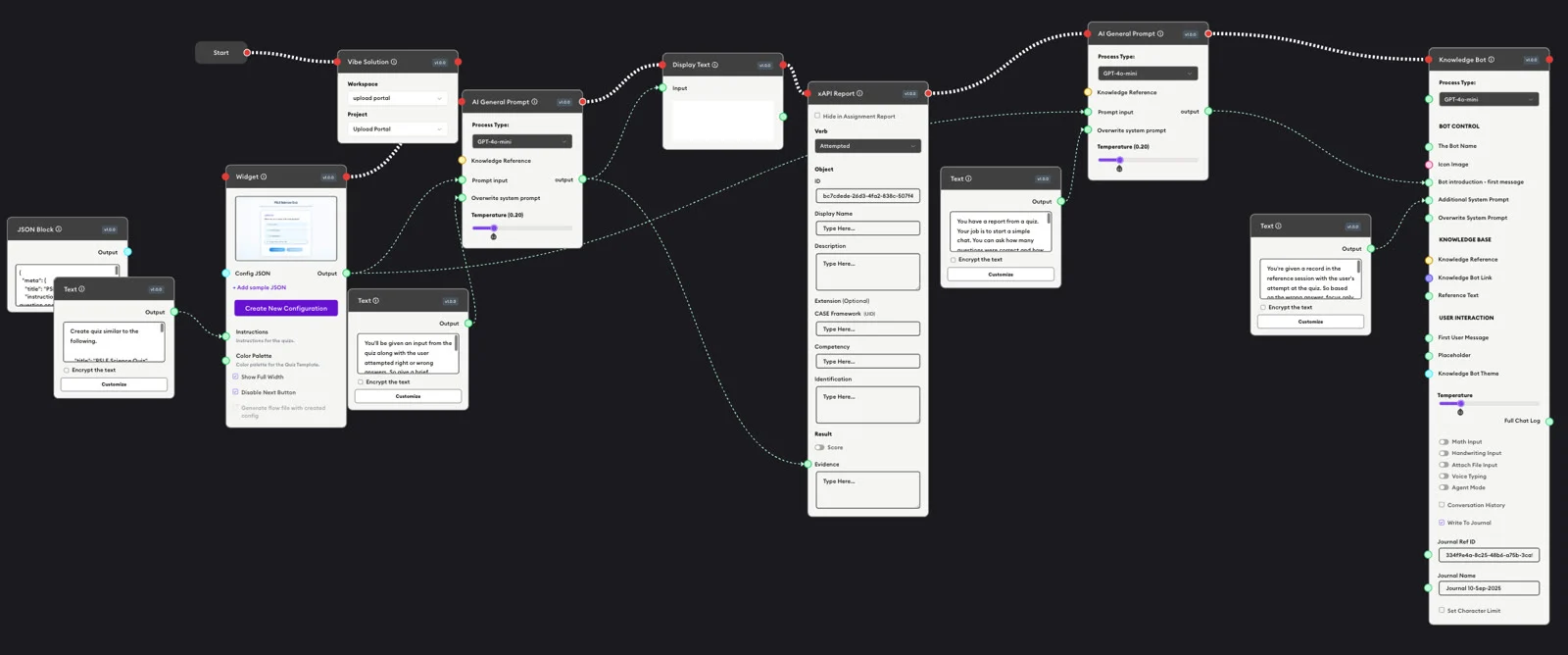
 Flow Designer
59 teacher tools, ready to use.
A canvas you drop blocks onto and draw lines between. The blocks ask a learner a question, send text to an AI model, branch down different paths, call a web service you already run, and write a PDF or a PowerPoint. When it works you publish it as a link, an embed, or an address your LMS can launch.
- Start from 59 ready-made teacher tools, or build your own
- Pick a different AI model for each step
- Call your own systems, with the key kept off the learner's browser
- Hand it out as a link, an embed, or a launch from your LMS
- 120Block types in the palette
- 105Visible on the live site
- 12Kinds of line between blocks
 Work with AI
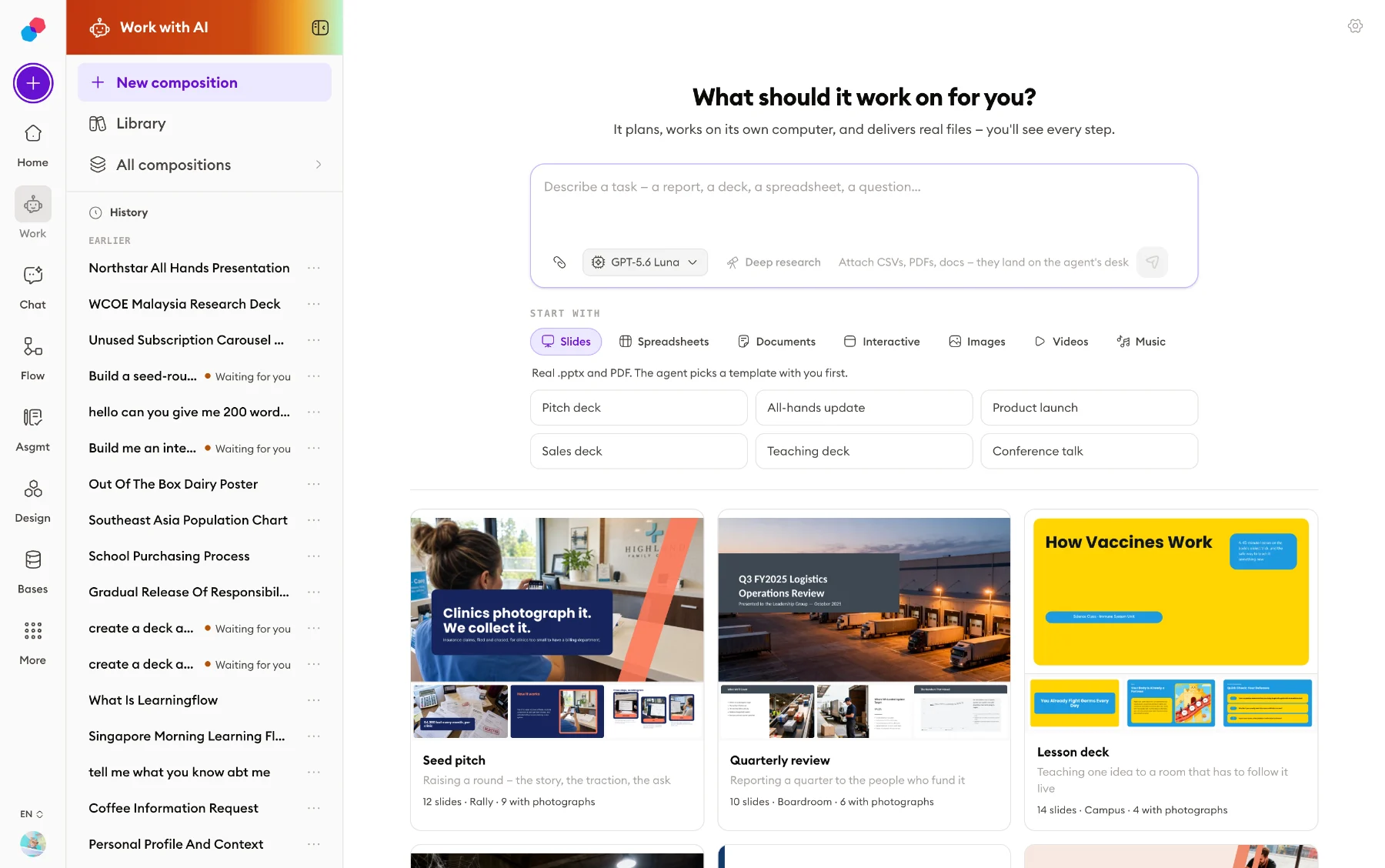
Ask for a file. Get the file.
A chat box that returns files. Describe a job and the agent gets its own Linux machine in the cloud, writes and runs code on it, searches the web when it needs to, and leaves what it made in a folder. What comes back is a .pptx, an .xlsx with working formulas, a .docx, an .mp4 — a file you open, not a block of chat text.
- Slides, spreadsheets, documents, pictures, audio and video
- Upload 44 kinds of file for it to work from
- Open the spreadsheet it made and edit it in the browser
- Select a paragraph and say what should happen to it
- 24Tools the agent can call
- 44File types you can upload
- 10Deck templates, 33 colourways
 Solution Designer
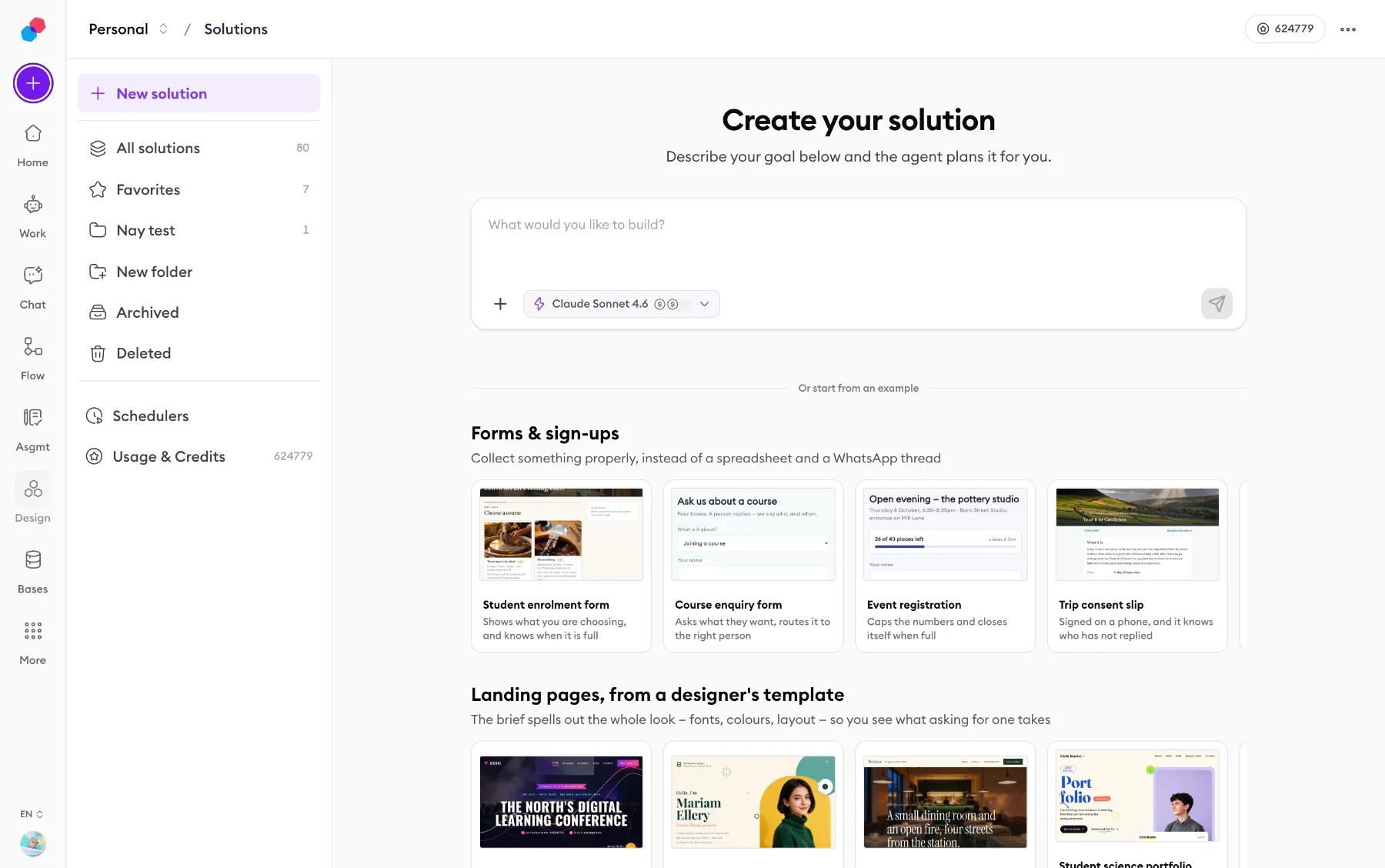
Describe an app. Get a working one.
Describe a problem and a planning agent asks a few questions, writes a plan you approve, then builds working apps you watch appear beside the chat. Publish and each one is live at its own address, with real sign-in and a shared database behind it.
- One solution can hold more than one app, sharing a database
- Real accounts, with permissions down to the row
- Send email, call outside services, receive webhooks
- Run on a timetable, with nobody watching
- 25Built-in services an app can call
- 10AI models you can choose from
- 3Kinds of app you can build
 Whiteboard Studio
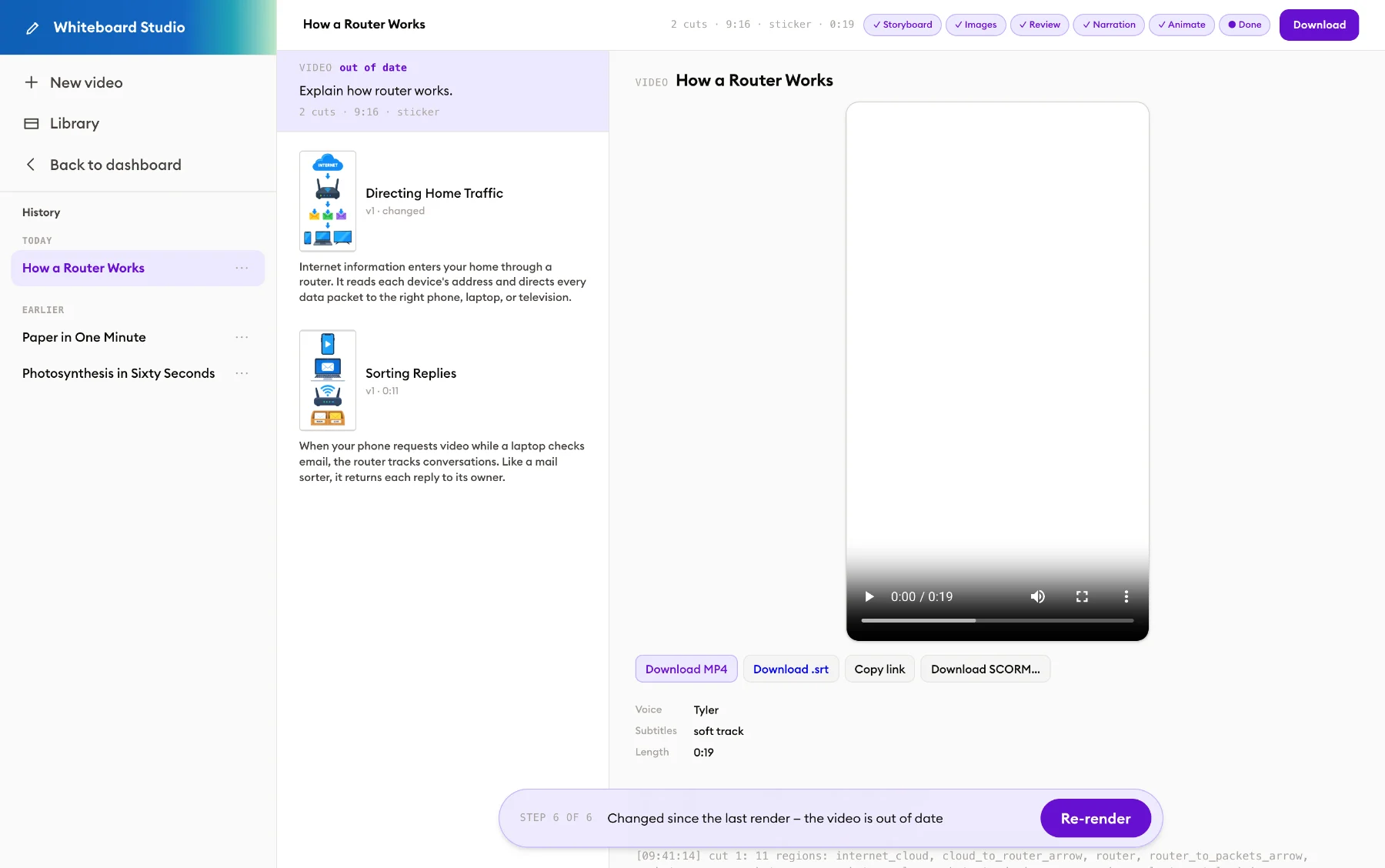
One sentence in. A drawn, narrated video out.
Type what the video should explain. It writes the storyboard, draws every scene and pauses so you can read and change it before anything is rendered. Then it records the narration and animates the drawing in time with the words.
- Change one scene and only that scene is redrawn
- Edit the picture itself, with eight drawing tools
- Landscape, portrait or square; captions included
- Download the MP4, or a SCORM package your LMS marks
- 2 to 12Scenes in one video
- 3Video shapes
- 11Length stops, 15 seconds to 5 minutes
 Bases
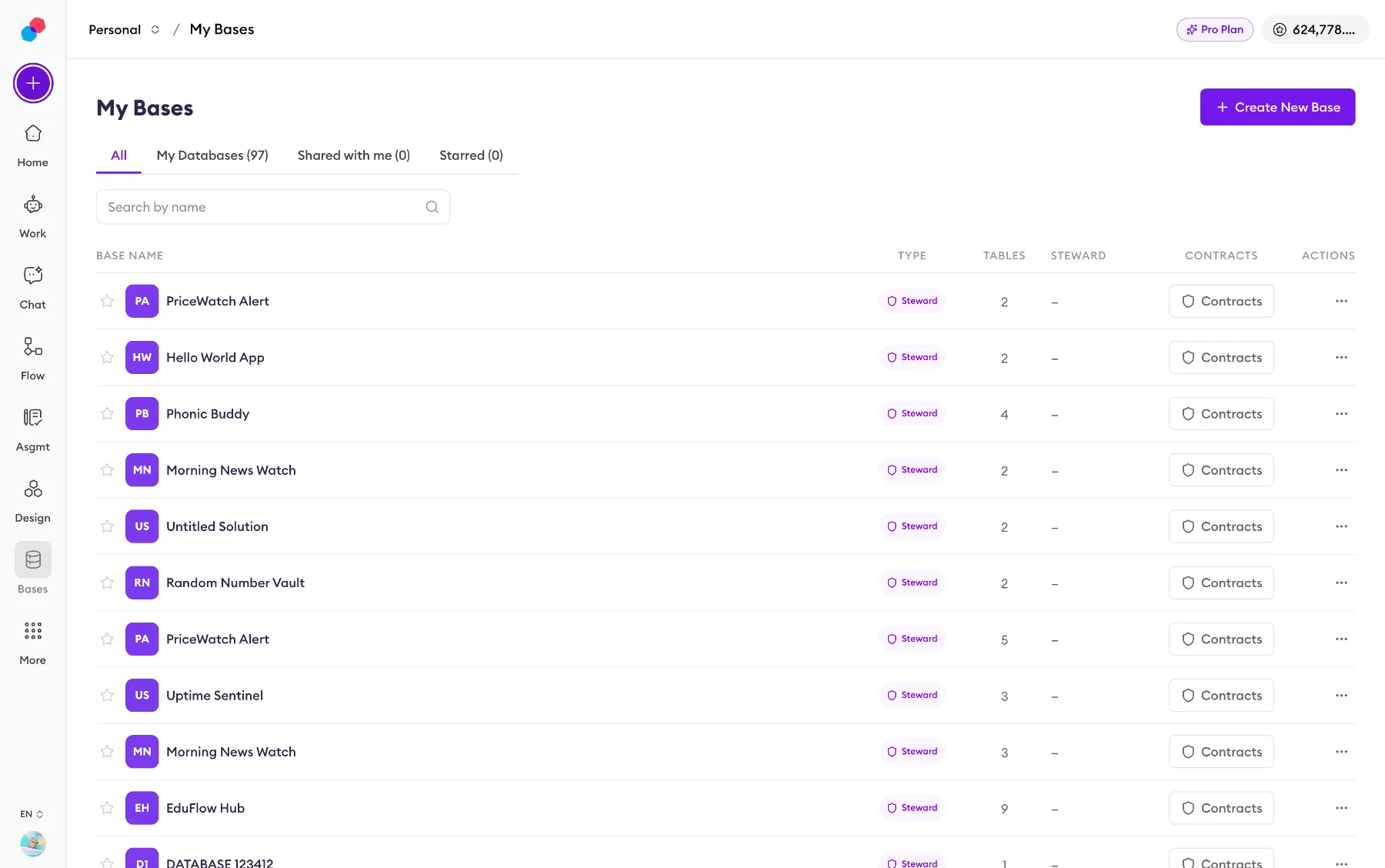
BasesYour class data, in tables everyone shares.
A shared database. Add tables and fields, put rows in, filter and sort them, import a CSV, link one table to another. Every read and every write, by a person or by an app you built, is checked against a written grant first.
- Twelve field types, with filtering, sorting and grouping
- Link one table to another and read across the join
- Grant access by contract, not by a share toggle
- Let an app you built read or write it, under that grant
- 108HTTP endpoints
- 12Field types you can choose
- 14Filter operators in the grid
One login. One set of credits. Your school chooses who gets which. See how →
Free for teachers.
Sign up, get credits every month, make something today.